TOOLKAISER
Your tools.
Digitized.
Organized.
Scan physical tools on your phone, turn them into reusable digital outlines, arrange your toolbox in the browser and export a layout ready for fabrication.
iOS • Android • Browser
SCAN → REVIEW → SAVE
HOW TOOLKAISER WORKS
From physical tool to digital layout.
Capture your real tools, organize them digitally, build your layout and take that design into your real-world workflow.
Scan
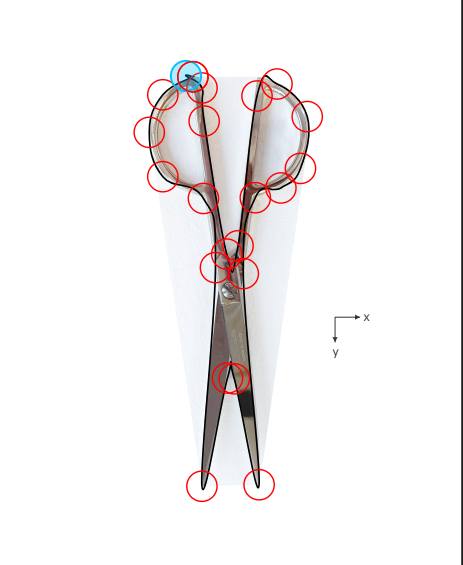
Photograph each tool on a known paper size using the mobile app.
Save
Review the generated outline and save it to your reusable library.
Arrange
Position, rotate and refine every tool inside the browser editor.
Export
Download PDF, SVG or DXF files for manual cutting, laser or CNC.
MOBILE SCANNING
Turn physical tools into digital tools.
Use the ToolKaiser mobile app to capture your physical tools and bring them into your digital workspace.
Your scanned tools can be saved and reused when building new toolbox layouts, helping you plan before you start working with the physical material.
BROWSER APP
Build your layout on a larger workspace.
Move from your phone to the ToolKaiser browser app when you want more room to work.
Arrange, rotate and position your scanned tools until you find the layout that works best for your toolbox.
FROM DIGITAL TO PHYSICAL
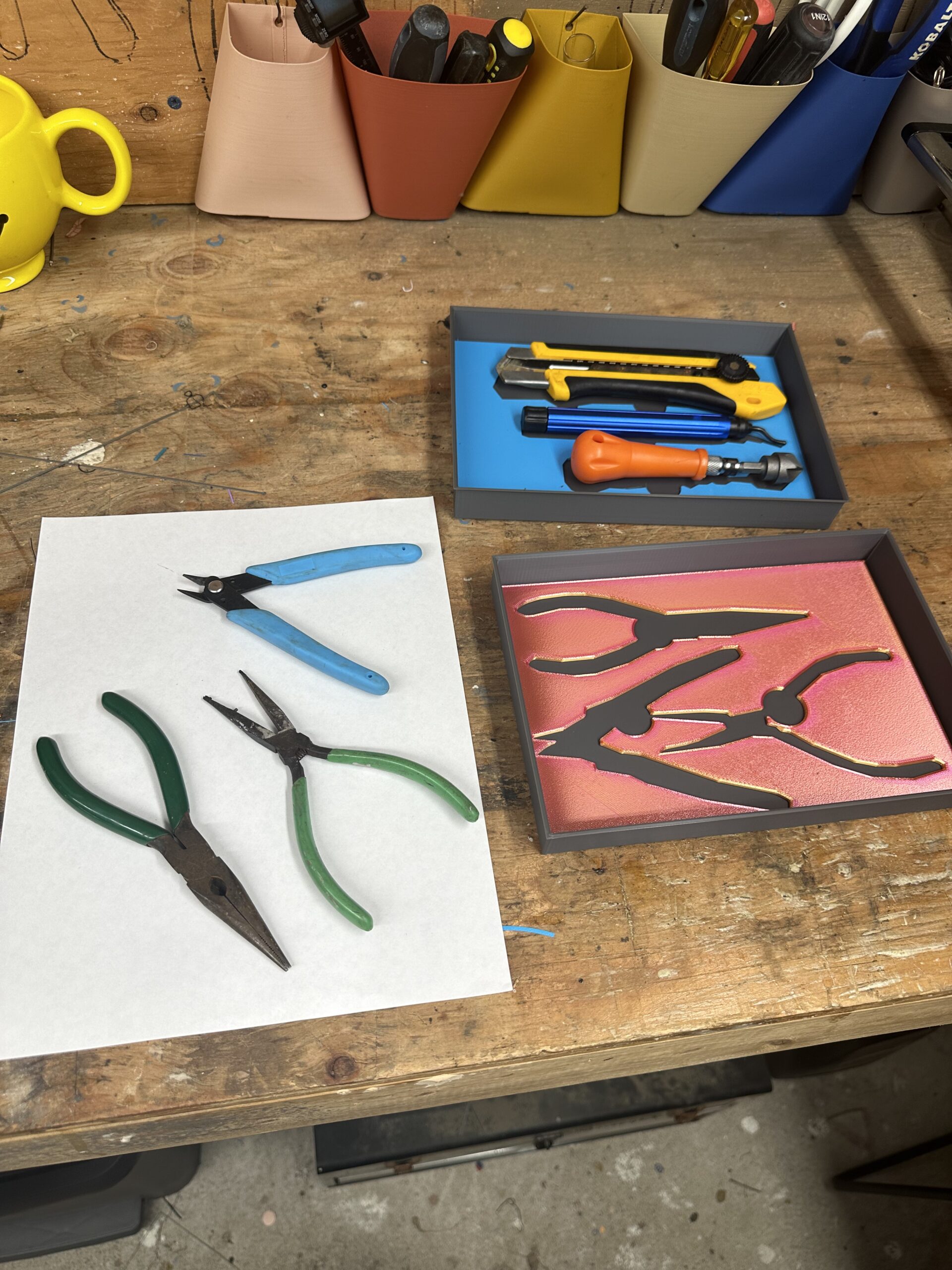
Turn your layout into a real setup.
Export a PDF for manual cutting, an SVG for a vector workflow or a DXF file for laser and CNC fabrication.
The result is a toolbox organization system designed around the tools you actually use.
Ready to build your first layout?
Choose your platform, scan your tools and continue the layout in the ToolKaiser browser workspace.